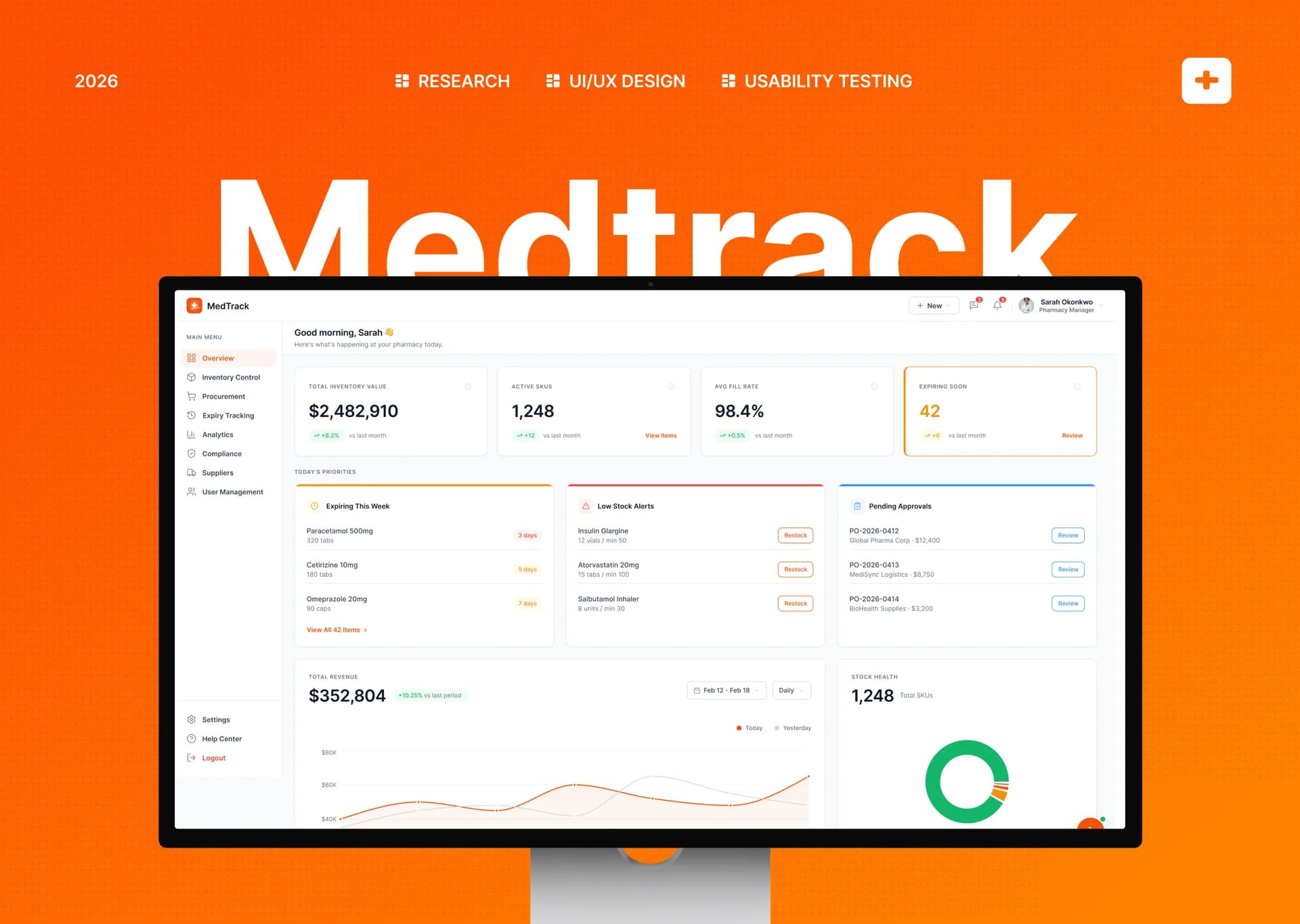
MedTrack
A SaaS dashboard redesign for retail pharmacies to manage daily operations faster and with fewer errors
Role
Product Designer
Duration
6 weeks
Year
2024
Tools
Figma, FigJam
Overview
41% faster workflow navigation after redesign
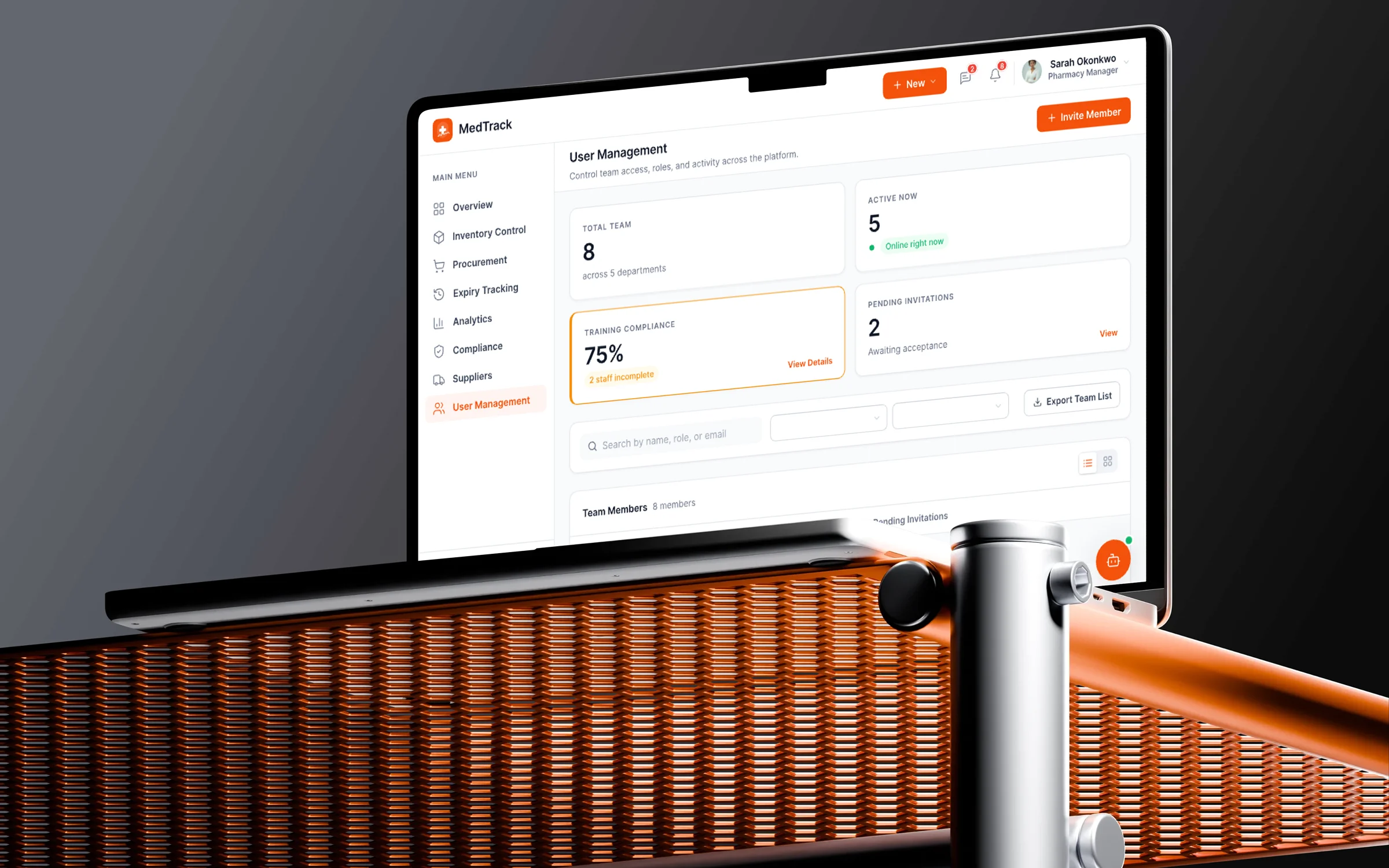
MedTrack is a SaaS dashboard built for retail pharmacies to manage day-to-day operations in one place. It covers inventory, expiry date tracking, purchasing, suppliers, returns, reporting, and staff activity across multiple user roles. This redesign focuses on reducing daily friction. The existing experience was creating unnecessary complexity, simple tasks took too long, and mistakes increased under pressure. The goal was to make MedTrack easier to navigate and quicker to use.
Faster navigation
41%
User roles supported
3 Roles
Key workflows
5 Flows
Design iterations
3 Rounds
The Problem
No clear starting point
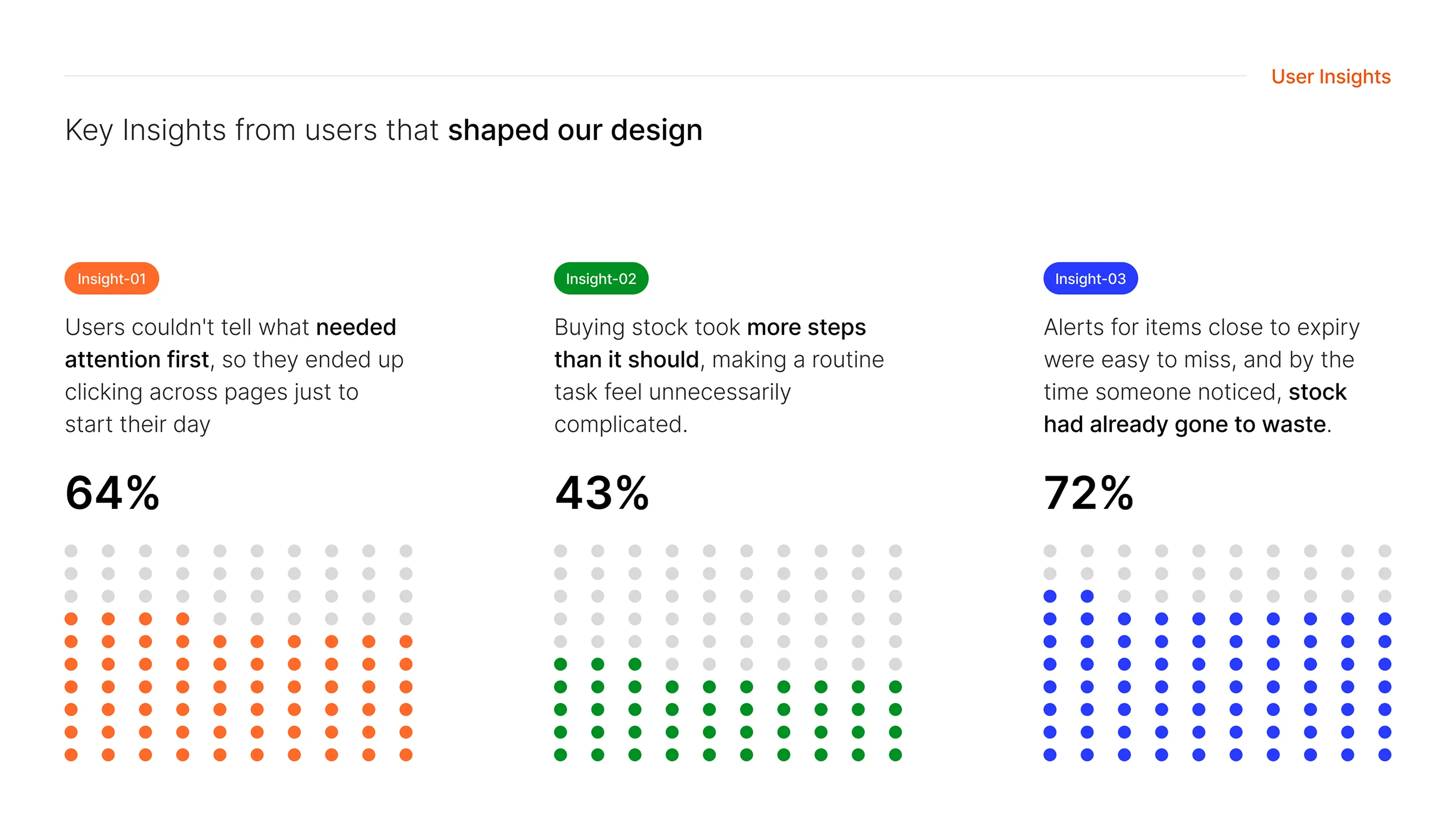
Users logged in and couldn't tell what needed attention first. They ended up clicking across pages just to figure out where to start their day.
Pages checked before starting
4-5 pages
Too many steps for routine tasks
Buying stock, tracking expiry dates, and managing returns all took more steps than necessary, making simple tasks feel unnecessarily complicated.
Extra steps per task
3-4 steps
Missed alerts, wasted stock
Alerts for items close to expiry were easy to miss, and by the time someone noticed, stock had already gone to waste. The system wasn't surfacing urgency.
Stock wasted from missed alerts
15-20%
“Simple tasks took too long, and mistakes increased under pressure. The dashboard was creating complexity instead of reducing it.”
Goals
What success needed to look like
Once we understood the friction points, we defined what a successful redesign should deliver: for the users, for the business, and for the system itself.
What we were aiming for
Users
Faster daily workflows
Scattered navigation
Users clicked through 4-5 pages before they could start their actual work each morning.
Instant clarity
A dashboard that surfaces today's priorities and key actions the moment users log in.
Operations
Fewer missed alerts
Hidden urgency
Expiry alerts and low stock warnings were buried in the interface, leading to wasted inventory.
Proactive alerts
Critical items surfaced automatically so staff can act before problems escalate.
System
Unified experience
Fragmented tools
Inventory, purchasing, and reporting lived in disconnected views with no shared context.
Connected workflows
One cohesive dashboard where actions flow naturally from insight to execution.
Process
How the design came together
UX Research & Discovery
Through user interviews, we uncovered key pain points that shaped the redesign.
- Users couldn't tell what needed attention first
- Buying stock took more steps than it should
- Expiry alerts were easy to miss, leading to wasted stock
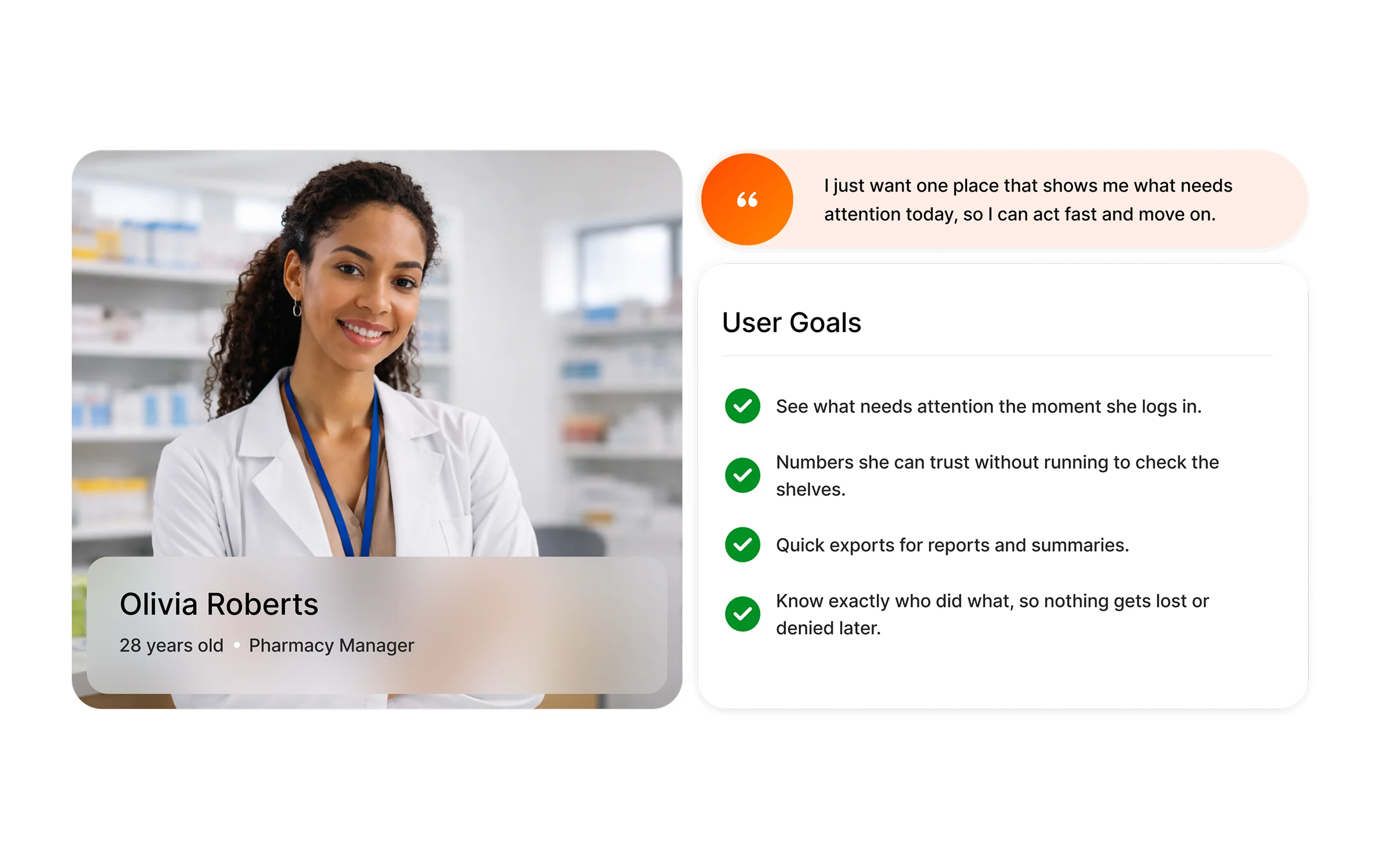
- Users knew what to do but couldn't find it on the dashboard
My Role
What I owned, guided, and co-created
Led the end-to-end redesign of MedTrack's dashboard, aligning stakeholders around a clearer information hierarchy and faster workflows for pharmacy teams.
| Experience | Owned | Guided | Co-created |
|---|---|---|---|
| Dashboard overview redesign | - | - | |
| Inventory management flow | - | - | |
| Expiry tracking system | - | - | |
| User research & interviews | - | - | |
| Persona development | - | - | |
| Activity feed redesign | - | - | |
| Purchasing flow | - | - | |
| Prototype & user testing | - | - |
Outcome
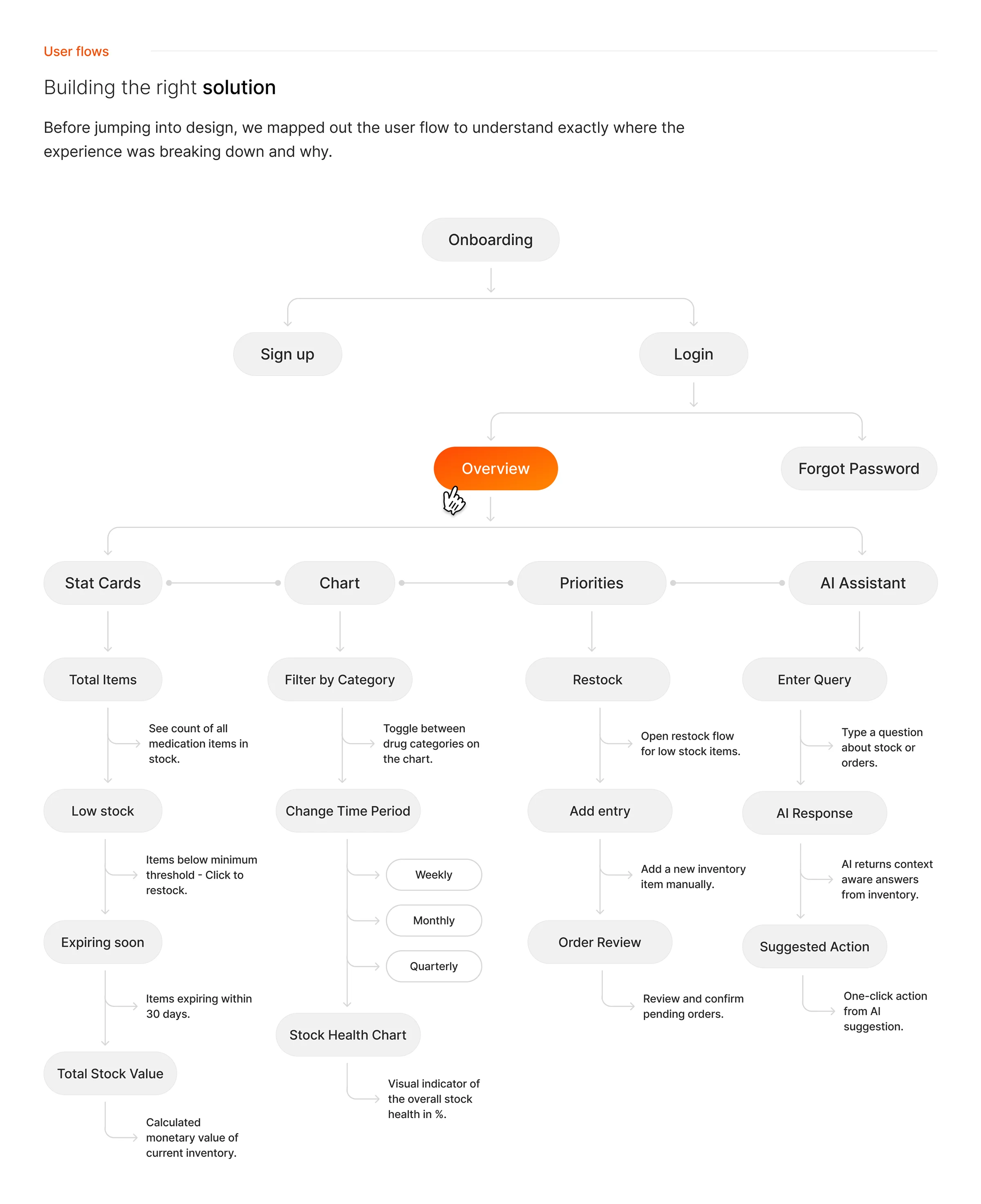
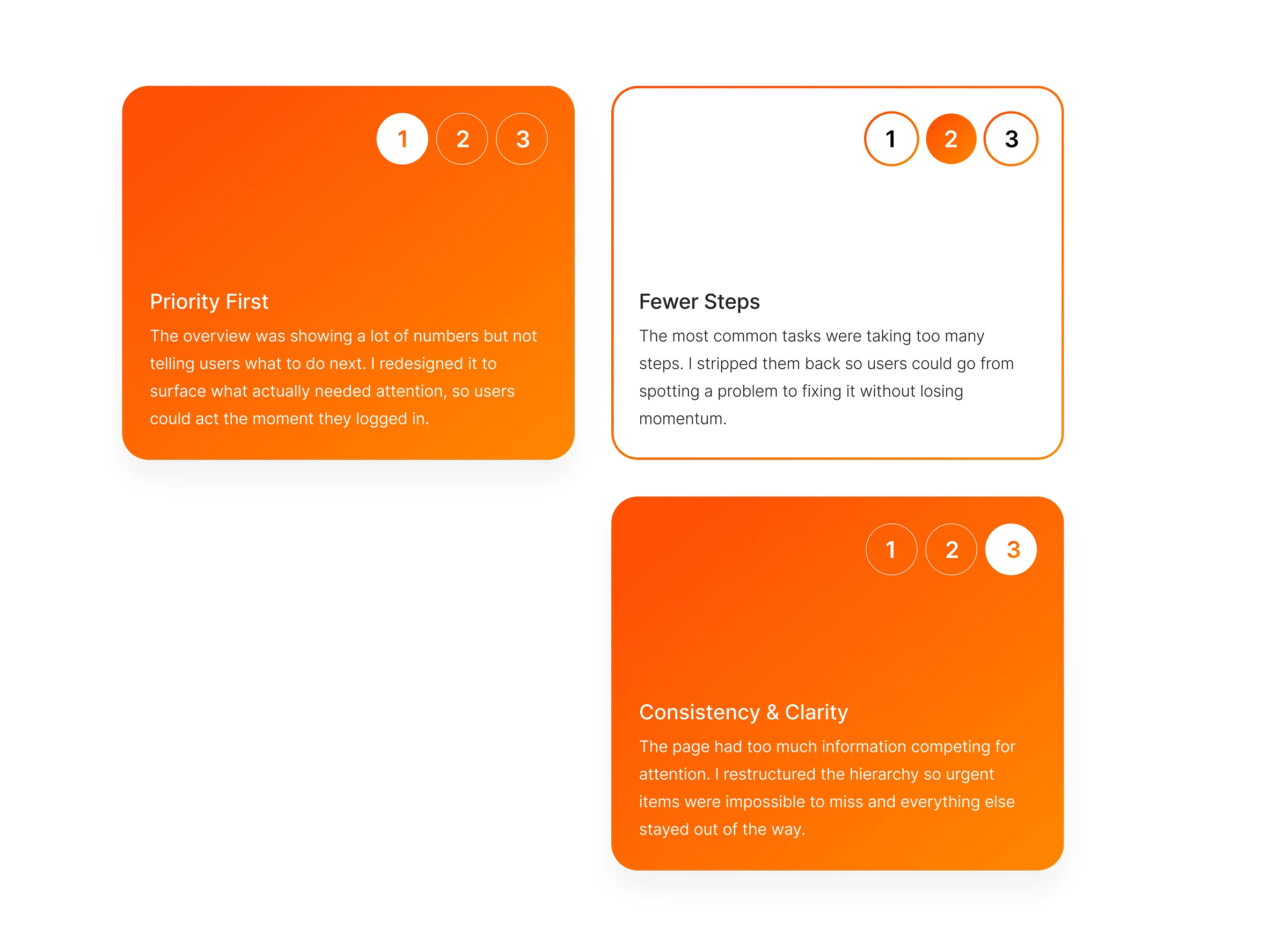
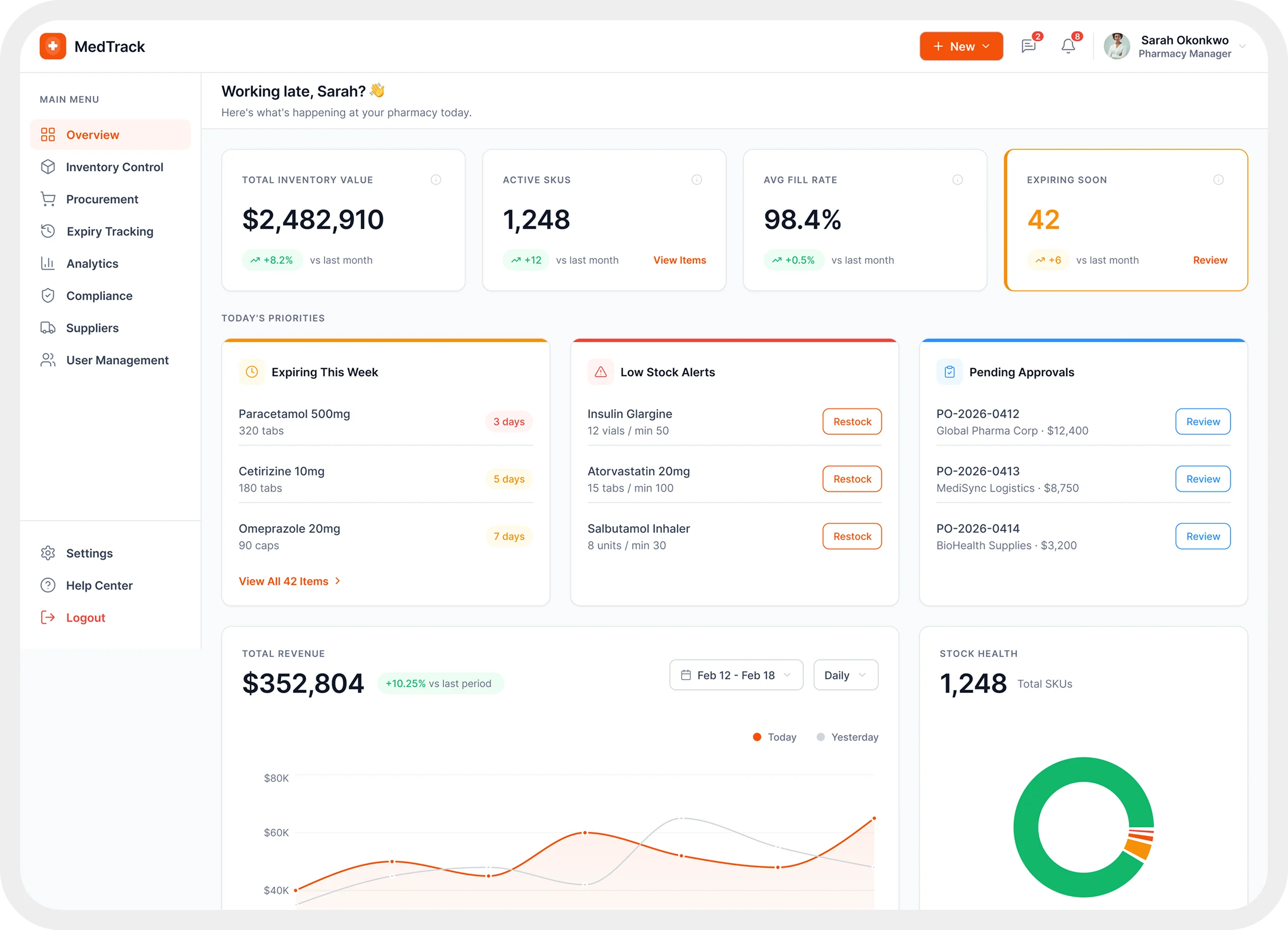
The final design introduced a stronger visual hierarchy that surfaces urgent items first, keeps key context easy to scan, and makes important actions easier to find.
To validate the redesign, I built a prototype and tested it with real users. Their feedback showed where things still felt off, and I used that to make the final round of improvements. The redesign resulted in 41% faster workflow navigation, giving healthcare teams a reliable tool for managing day-to-day pharmacy operations.
41% faster workflow navigation
Faster task completion
users moved through key workflows quicker after urgent items and actions were made easier to find
Improved action discoverability
bringing key actions under one entry point meant users stopped searching and started doing
Better update scanability
a clearer activity feed meant users could tell what changed, who did it, and when, at a glance